Peak Performance Wellness
Lifestyle App.
Keep the movement films, practices and reminders you want to come back to. Put them in a routine and choose when to follow it.
For a team
From the seminar to the next shift.
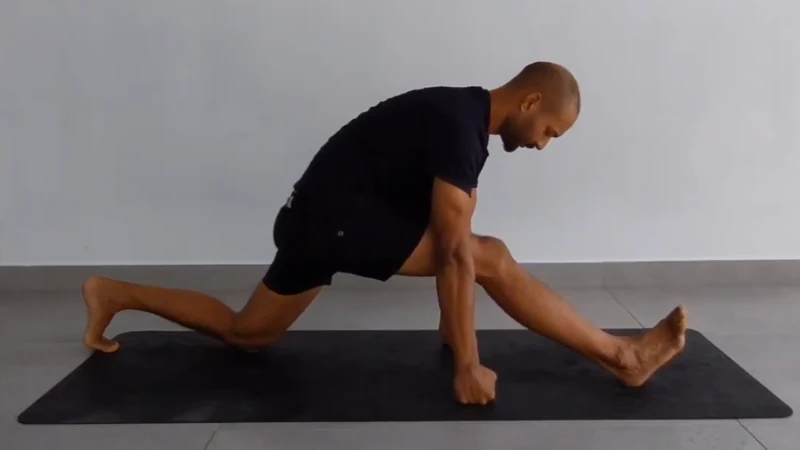
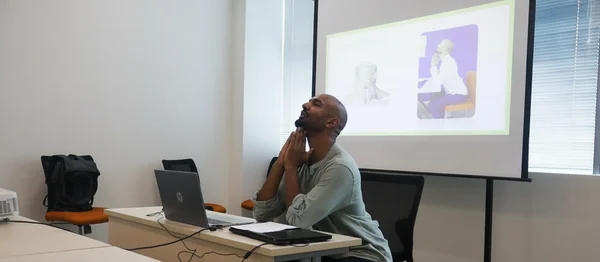
A team lead can share Victor’s office tour after a session. Staff tap through the Atlas Bod figure to follow three films: lower back, hips and a seated full-body routine.
At the last stop, Add to my day opens the routine in the Lifestyle App. Each employee chooses whether to save it on their own device.
On your phone
Try the shared routine.
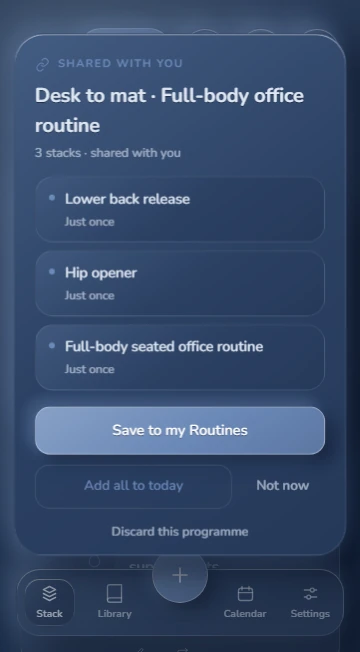
Open Desk to mat to see exactly what staff receive. Review the three films, then choose Save to my Routines to keep them together, or Not now to leave the choice for later.
First visit? Choose Look around first if you want to use the app as a guest. The welcome screens come before your routine.
For yourself
Build your own day.
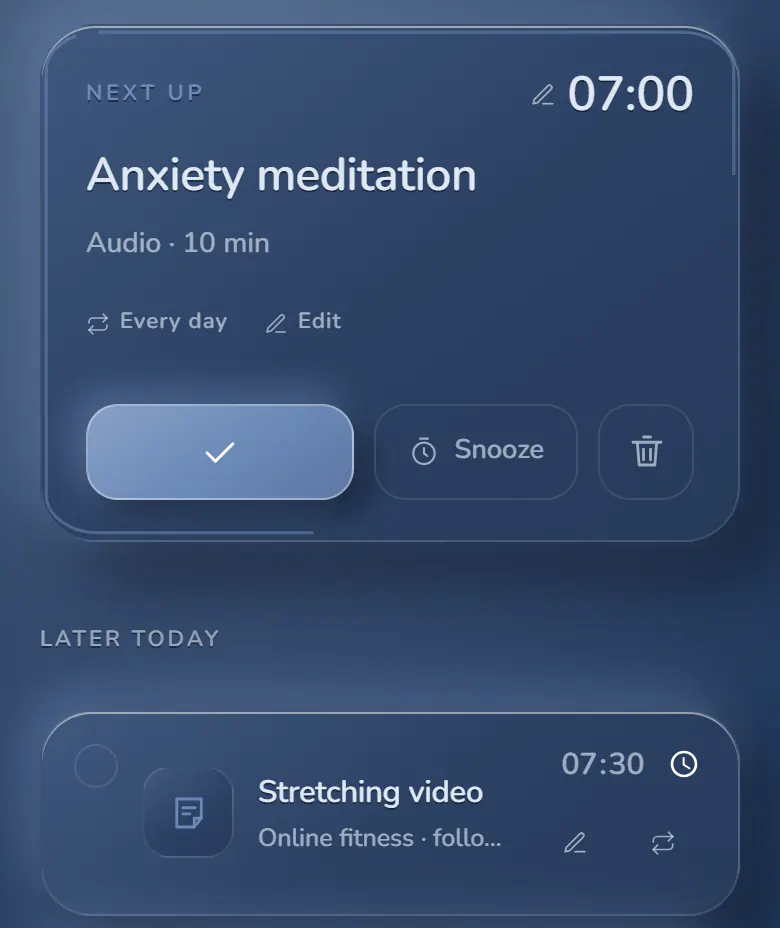
Use the plus button to add a video, audio, file or written reminder. Choose a time and repeat pattern. The Stack shows what is next, and Calendar lets you look ahead.
Group practices you often do together into a routine. Keep it for yourself or share a routine link with someone who wants to try it.